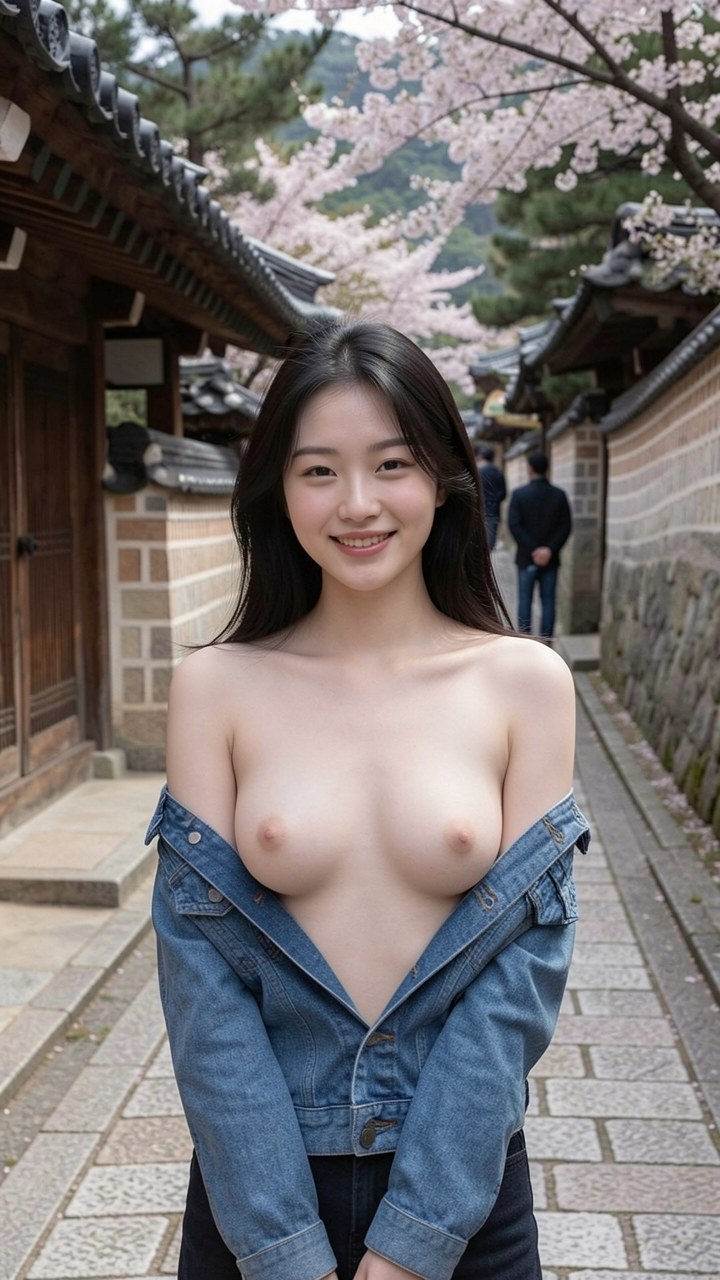
Secret Desires AI is an adult-focused AI companion platform with a strong emphasis on unrestricted roleplay and NSFW content. This guide is intended for adults 18 and over.
Step 1 — Visit the Platform and Verify Your Age
Go to secretdesires.ai and confirm you are 18 or older. Create an account using your email address.
Step 2 — Browse or Create a Character
Secret Desires AI offers a library of pre-built characters as well as a custom creation tool. Browse the existing characters for inspiration, then use the creator to build your own.
Step 3 — Customize Her Appearance
Use the appearance editor to design her look — hair, eyes, skin tone, body type, and outfit. Secret Desires AI offers more explicit customization options than mainstream platforms, all within the NSFW content framework.
Step 4 — Set Her Personality and Scenario
Choose her personality type and, optionally, set an initial scenario or relationship context. The scenario setting helps establish the roleplay frame for your interactions from the first message.
Step 5 — Enable Adult Content
In account settings, confirm your age and enable adult content mode. This unlocks the full range of conversation and image content the platform offers.
Step 6 — Begin the Conversation
Start your first chat. Secret Desires AI companions engage with explicit scenarios comfortably and without the content restrictions found on mainstream platforms.
Step 7 — Explore Photo Generation
Use the in-chat image generation feature to request photos of your companion throughout your conversations. Image quality and accuracy to your character design are consistently strong. See our full Secret Desires AI review.