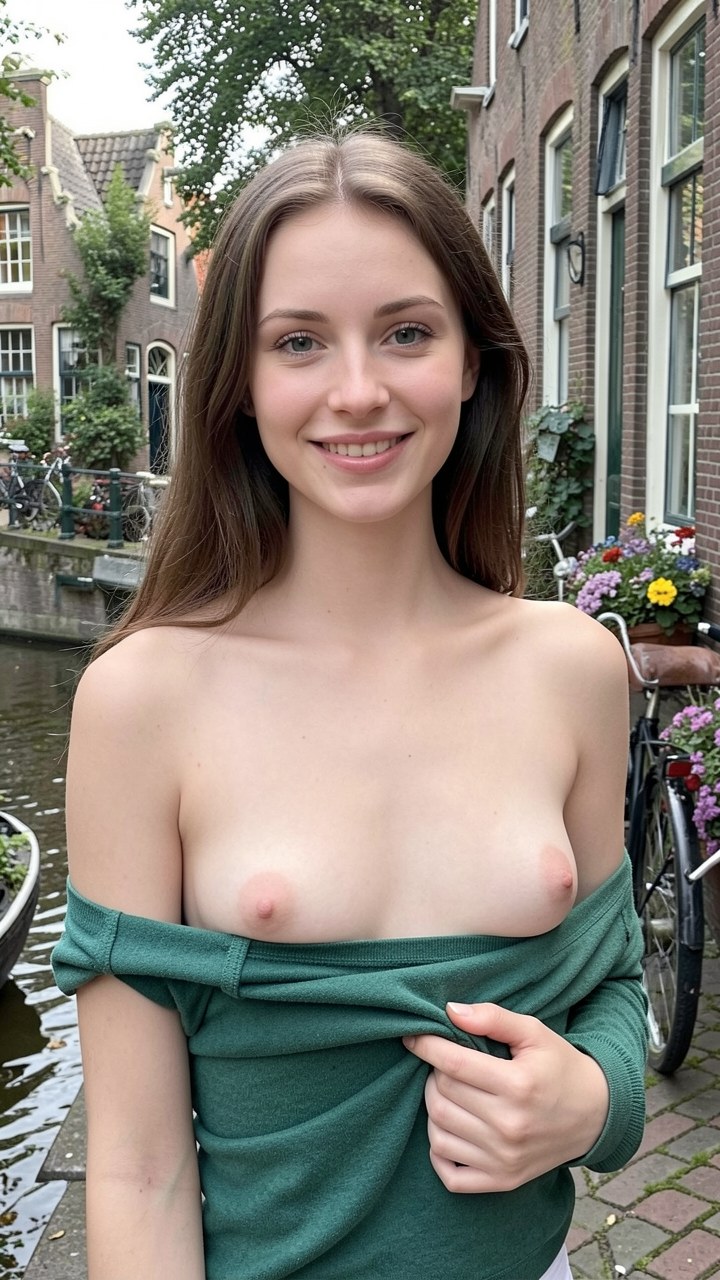
DreamGF AI specializes in highly customizable AI girlfriends with strong image generation. Follow these steps to build yours.
Step 1 — Sign Up for Free
Visit dreamgf.ai and create a free account with your email. You will receive some free generation credits to get started without a payment method.
Step 2 — Open the Character Creator
From your dashboard, click Create Girlfriend. The character creator opens with a full set of customization options spread across multiple tabs.
Step 3 — Design Her Appearance
Work through the appearance tabs: ethnicity, hair style and color, eye color, body type, and clothing style. DreamGF AI offers more granular appearance options than most competitors — take advantage of them.
Step 4 — Choose Her Personality Traits
Select two to four personality tags from categories like Romantic, Adventurous, Intellectual, or Playful. These tags shape her conversation style and interests.
Step 5 — Pick a Relationship Style
DreamGF AI lets you define the relationship dynamic from the start — friend, girlfriend, or more intimate companion. This setting influences how she addresses you and the nature of your interactions.
Step 6 — Generate Her First Photo
Before starting the chat, use the image generation tab to create your first photo of her. This gives you a visual reference and lets you fine-tune her appearance before you commit.
Step 7 — Begin Your Relationship
Head to the chat interface and say hello. DreamGF AI companions respond warmly from the first message. Use the photo request feature during chat to generate images at any point in the conversation.
See our full DreamGF AI review for a complete breakdown of features and pricing.